Slice Preview
Parameter Manager
Edit and adjust parameters saved for the current print slice.

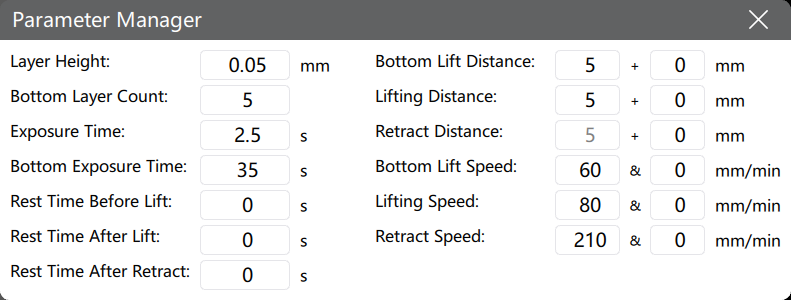
This window provides quick access to some settings under Slice Settings > Slice Configuration > Print without quiting the Slicing Preview interface.
Parameter Manager is available under Single Parameter Slice mode only.
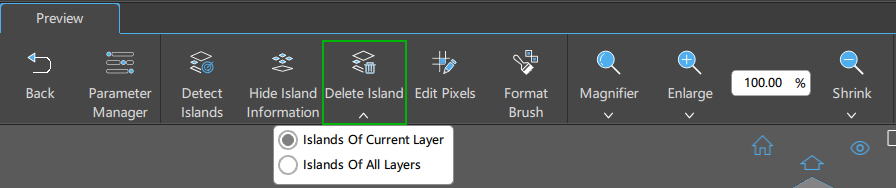
Detect Islands
Check whether there are unprintable islands in the current slice file.

You must click Detect Islands to enable Hide Island Information, Delete Island, Edit Pixels, and Format Brush.
Display/Hide Island Information
You can show/hide the island information by clicking this button.

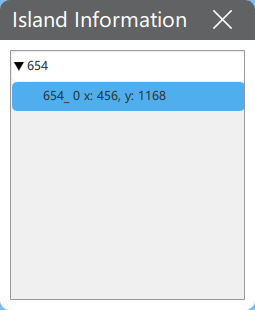
Switch the preview between Local View and Global View by clicking islands listed in the Island Information List.
Delete Island
Remove islands from the file, either from the current layer or all layers.
Edit Pixels
Add or delete pixels in the current slice file.

-
Hold Ctrl and scroll the Middle-button of the mouse to resize the pen; left-click to add pixels; right-click to remove pixels.
-
Hold Ctrl and drag Left-button of the mouse to add continuous pixels. Hold Ctrl and drag Right-button to continuously erase pixels.
Format Brush
Copy the format of the target pixel and apply to other pixels.

-
Left-click a pixel as the target pixel format.
-
Scroll the Middle-button to adjust the size of brush.
-
Hold the Left-button and move mouse to draw, click Right-button to finish the operation.
Magnifier
View slice information with a set magnification ratio.


Save
Choose to save All, Model, or Support before saving the slice file.
Click the Save button to save your sliced file.
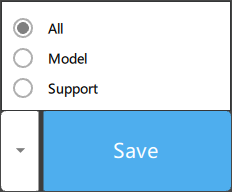
After slicing your model, click "Save" and select a slice format from the dropdown menu before printing.
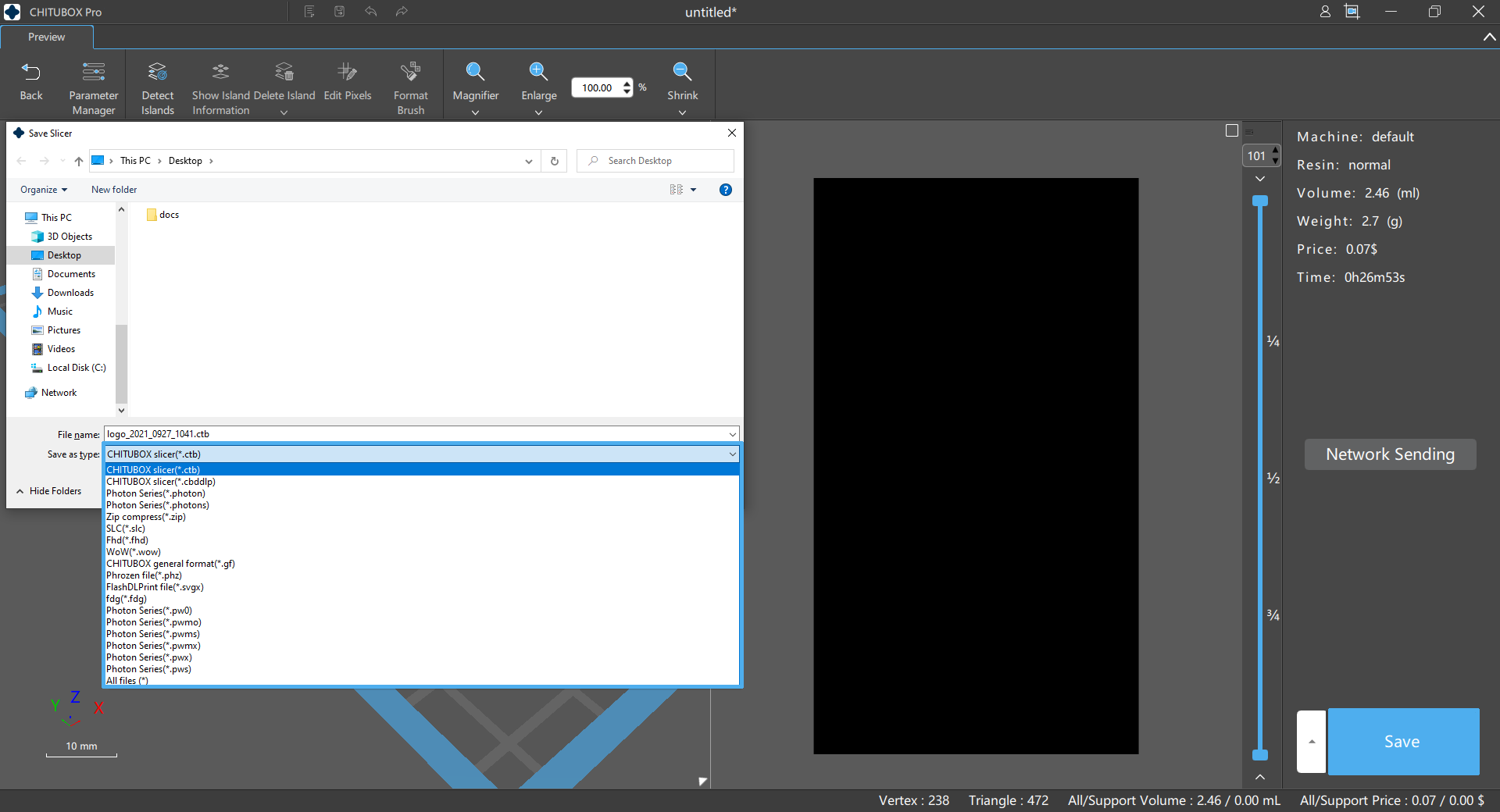
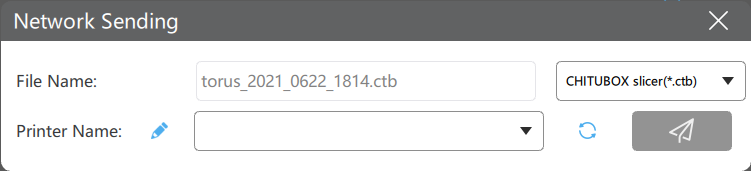
Network Sending
- Some printers may require a USB driveto store sliced files if internal storage is not supported.
- Network sending requires the printer and the computer to be under the same LAN.
- The transmission speed is limited by printer's network module. Most printers limit the transimission speed to 8M/s. Large files are not recommended for Network Sending.
- Only some printers support Network Sending. Read the 📃full compatibility list here.
A Network Sending button will be available on the interface to send slicing data directly for printing if network sending is supported.