Printing Preparation

Printing Environment Data Record Table

ItemsRequirementsActual Record
Ambient Temperature18-28℃19 ℃
Ambient Humidity≤60%≤40%
Away from Interference SourcesKeep away from heat, water and vibration sources (Yes/No)Yes
Air Circulation

Regular air circulation, no obvious odor in the room (specific measures)

Ventilation system
Indoor Light IntensityMaintain darkness or low blue light conditions (specific measures)Blackout curtain
Voltage Stability

The power supply must meet grounding requirements and not share a circuit with high-current devices. Ensure stable voltage during printing (Yes/No)

Yes
Volatile Interfering Objects

Do not place volatile solvents such as water and alcohol in the printing room (Yes/No)

Yes
Power Supply

The voltage and current must strictly comply with the printer’s power requirements (record specific voltage and current)

INPUT: 100-240V ~ 50/60Hz2.0A

OUTPUT: 24.0V3.0A72.0W

Printer Preparation Confirmation Form

ItemsRequirementsActual Record
Installation Location

Place on a hard, level surface (specific measures)

Level desktop
Release Working Structure

FEP film is intact, clean, and properly tensioned (Yes/No, attach photo)

Yes
Image Formation Structure

The light source and display device are functioning normally (Yes/No, attach full-screen illumination photo)

Yes
Image Formation Area

The print screen/imaging glass is clean and free of impurities (Yes/No, attach photo)

Yes
Print Platform InstallationThe printing platform is securely locked (Yes / No)Yes
Print Platform ResiduesNo residues on the printing platform (Yes / No)No
Print Platform LevelingPrint platform is level (Yes / No)Yes
Resin Vat LockingResin vat is properly installed and locked (Yes / No)Yes

Light Intensity Measurement Record Table

Measuring Instrument NameSpecification/Model
Zone 1 (μw/cm2)Zone 2 (μw/cm2)Zone 3 (μw/cm2)Zone 4 (μw/cm2)Zone 5 (μw/cm2)
Measurement 146495791552344774615
Measurement 245165679540046654504
Measurement 343625554531945494487
Measurement 444355561539846504540
Measurement 549995553578749365551
Average Value45925628548546554739

Printing Material Preparation Record Form

Material nameDate of manufacture (shelf life)
ItemRequirementsRecord
Expiration Date

Printing materials are normal and not expired (Yes / No)

Yes
Impurities

The printing material added in the resin tank is well-mixed and free of impurities (Yes / No)

Yes
Printing Material Usage

The printing material is sufficient and will not overflow during the printing process (whether it is within the allowable scale range of the mark, if the resin vat lacks scales, record whether there is resin overflow during the first complete separation)

Yes
TIP

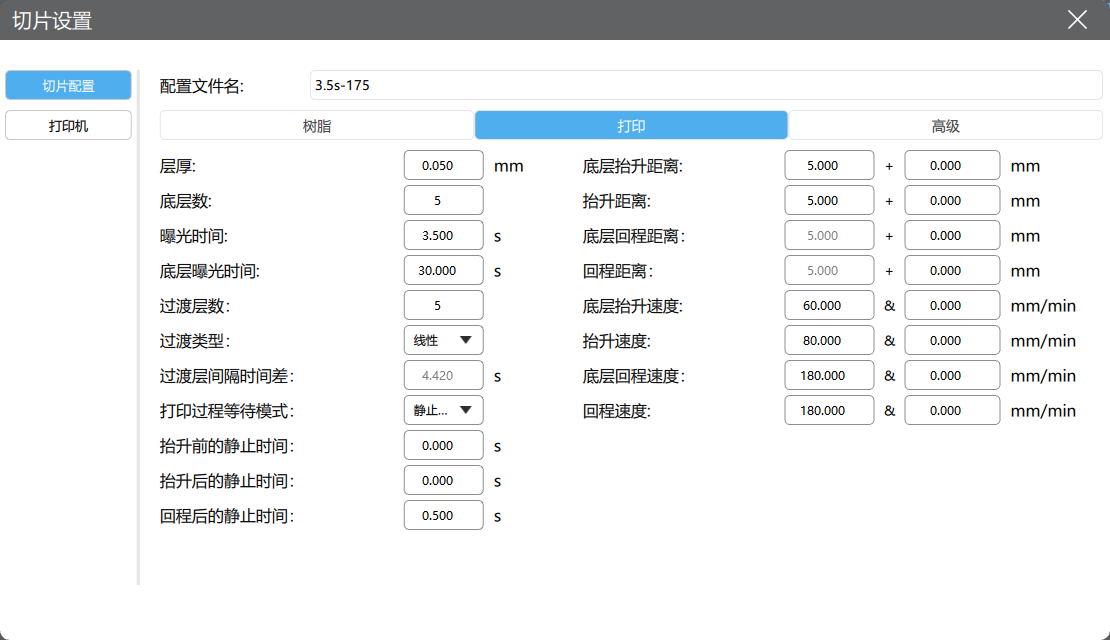
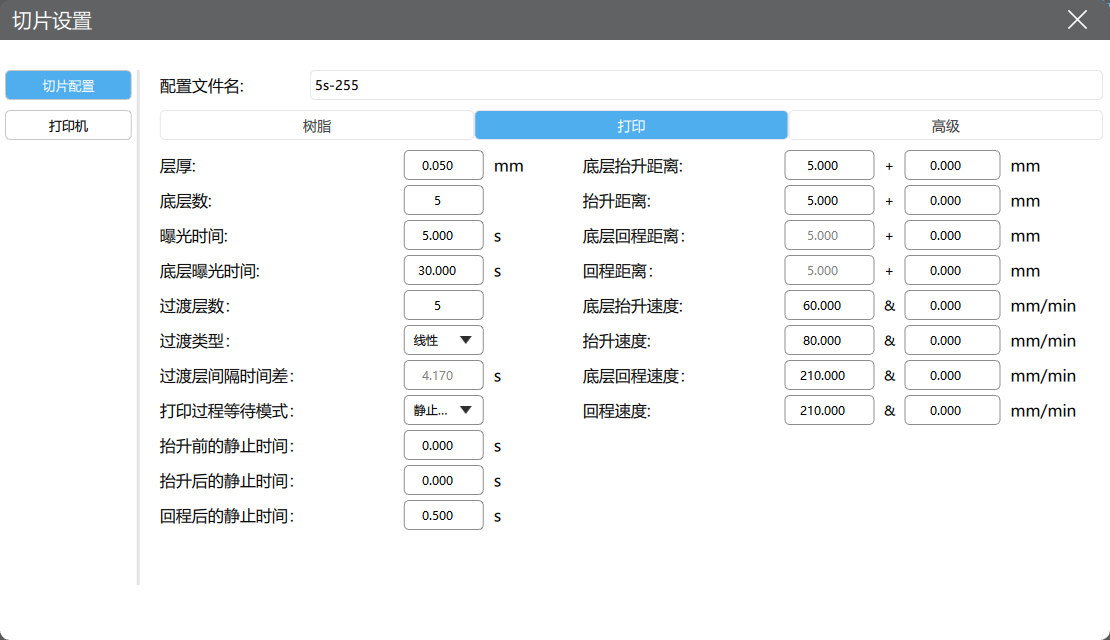
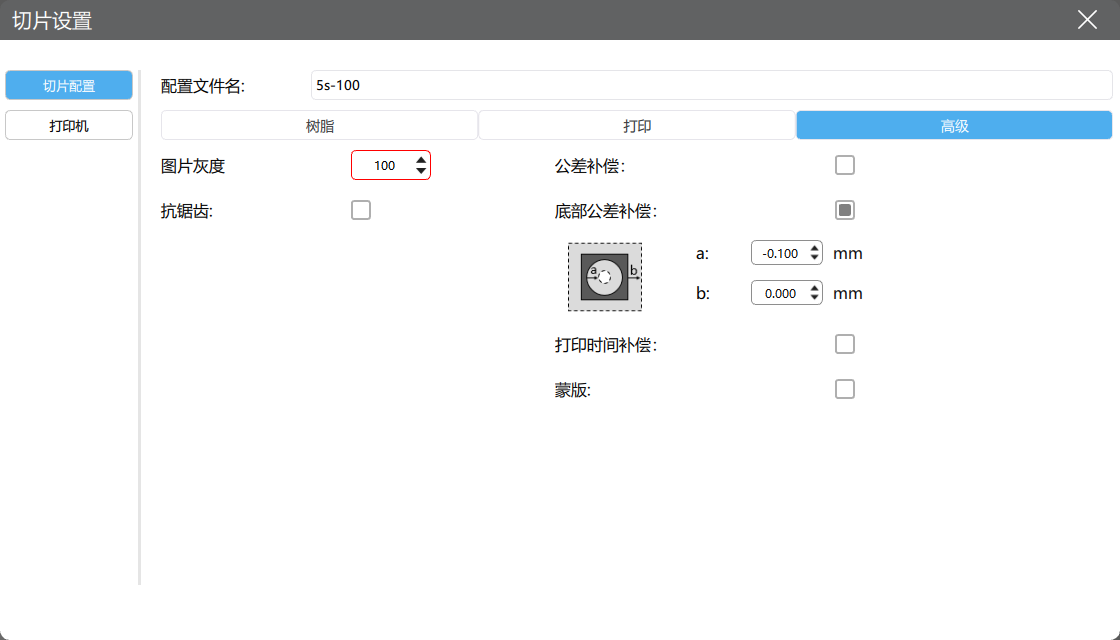
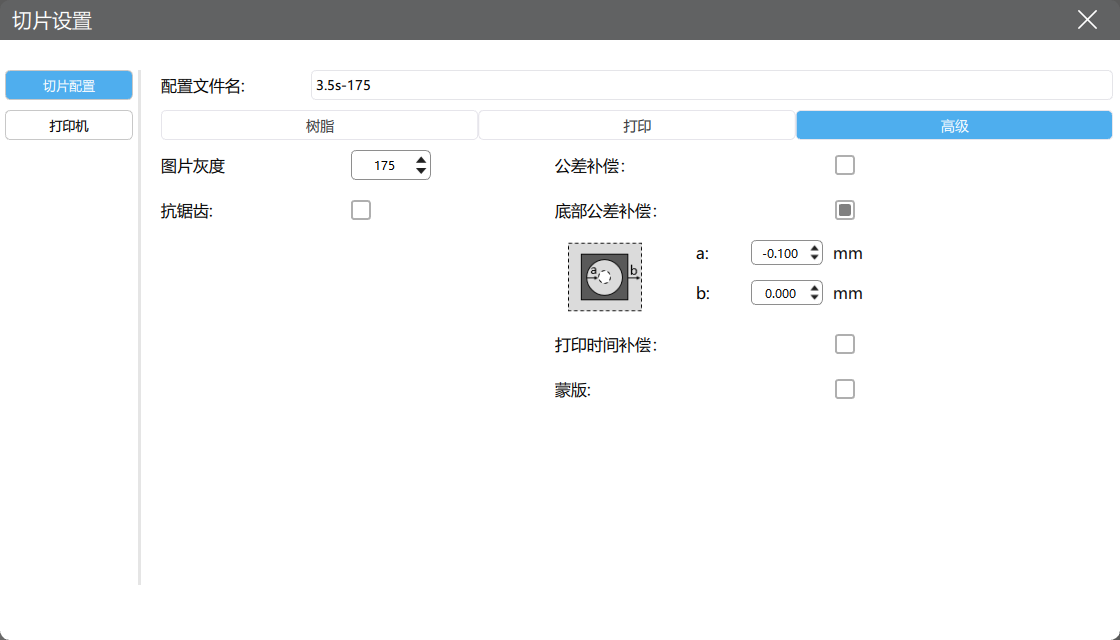
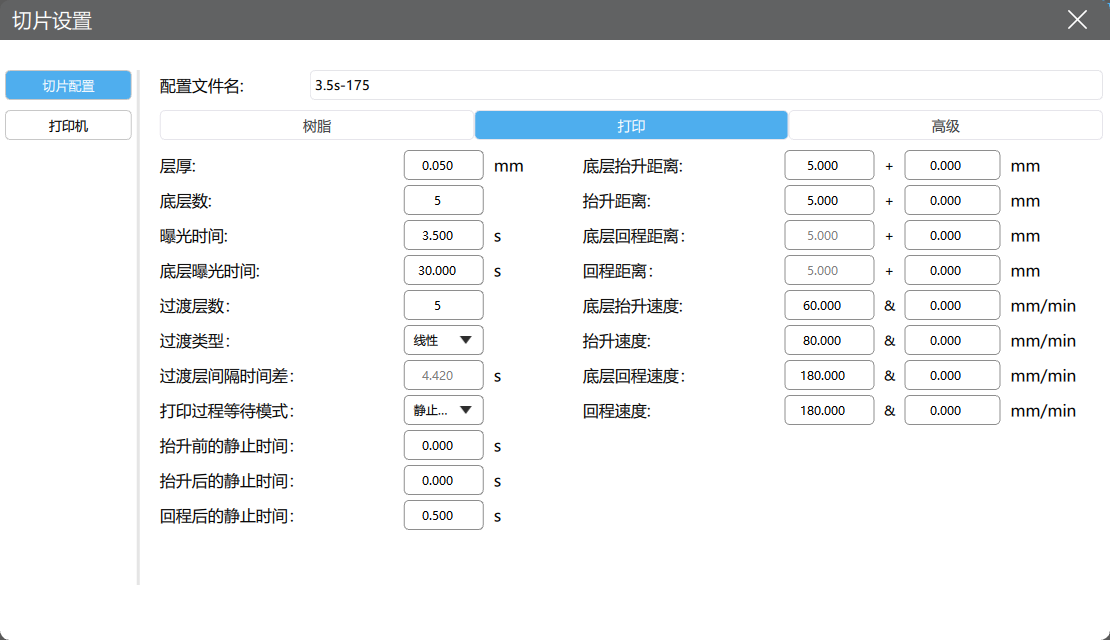
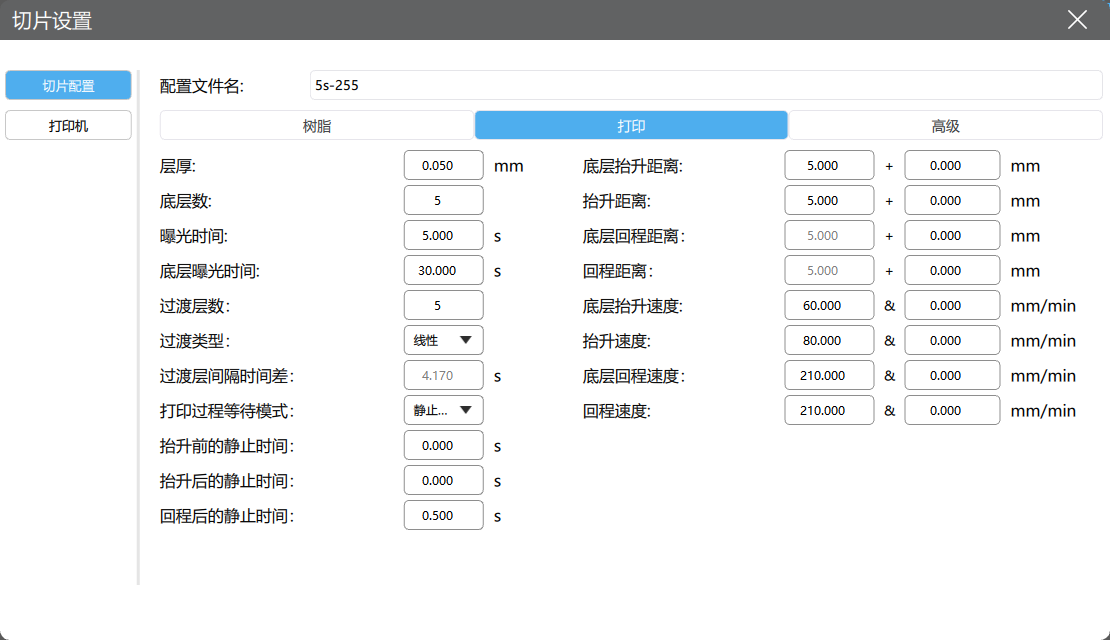
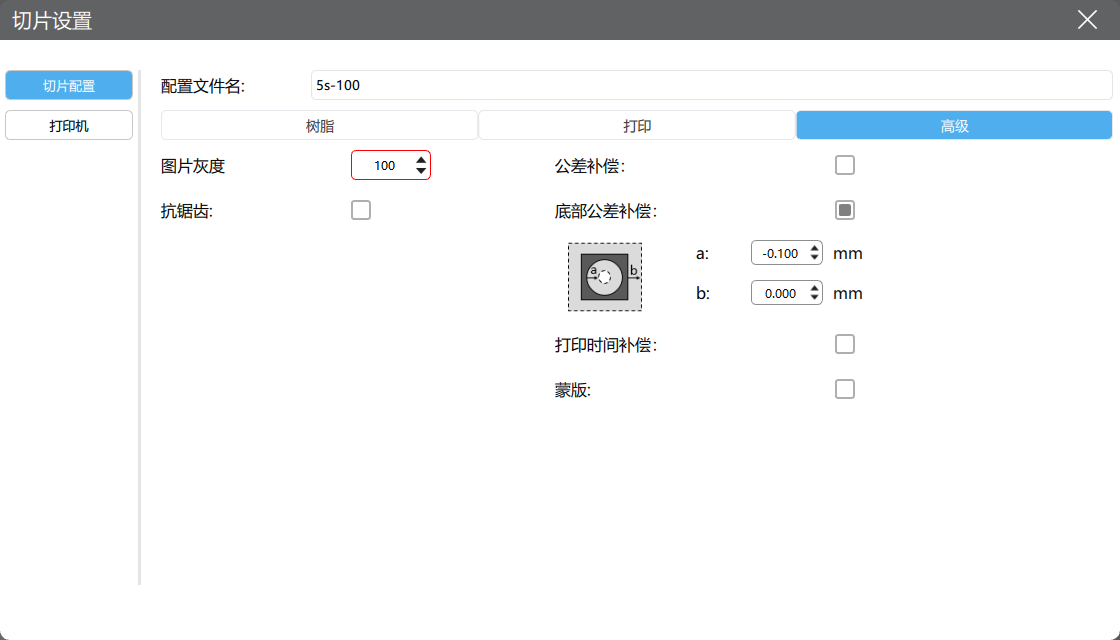
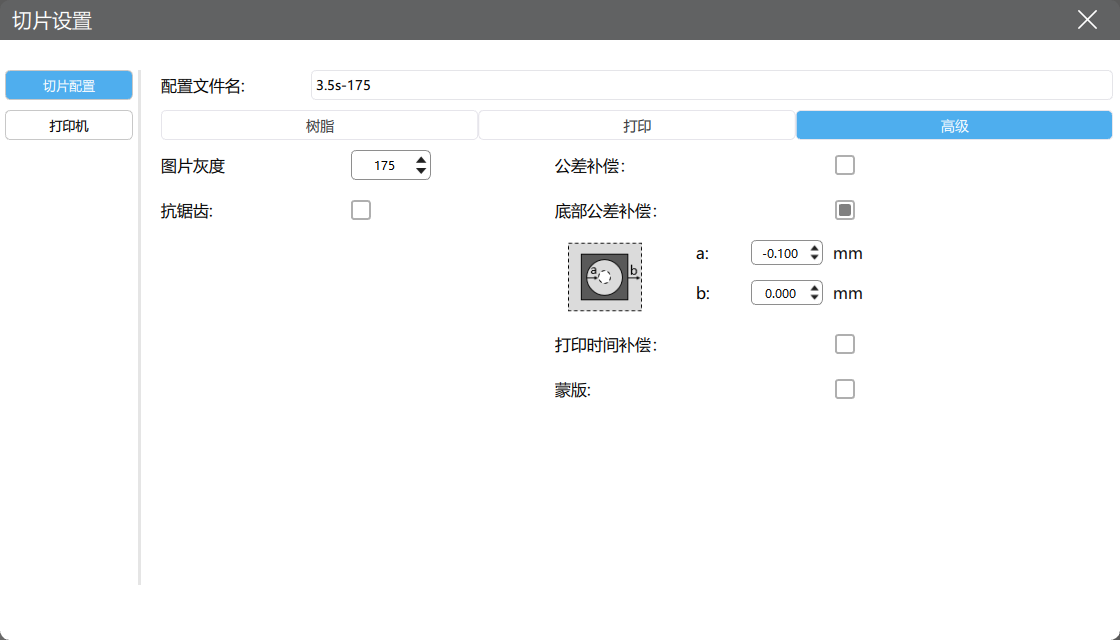
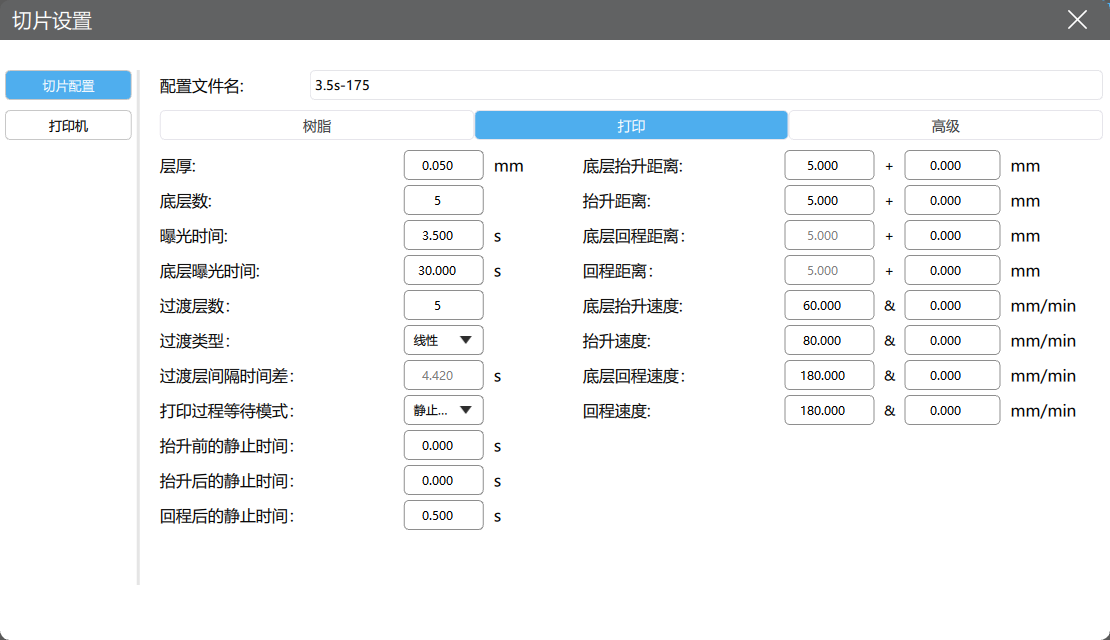
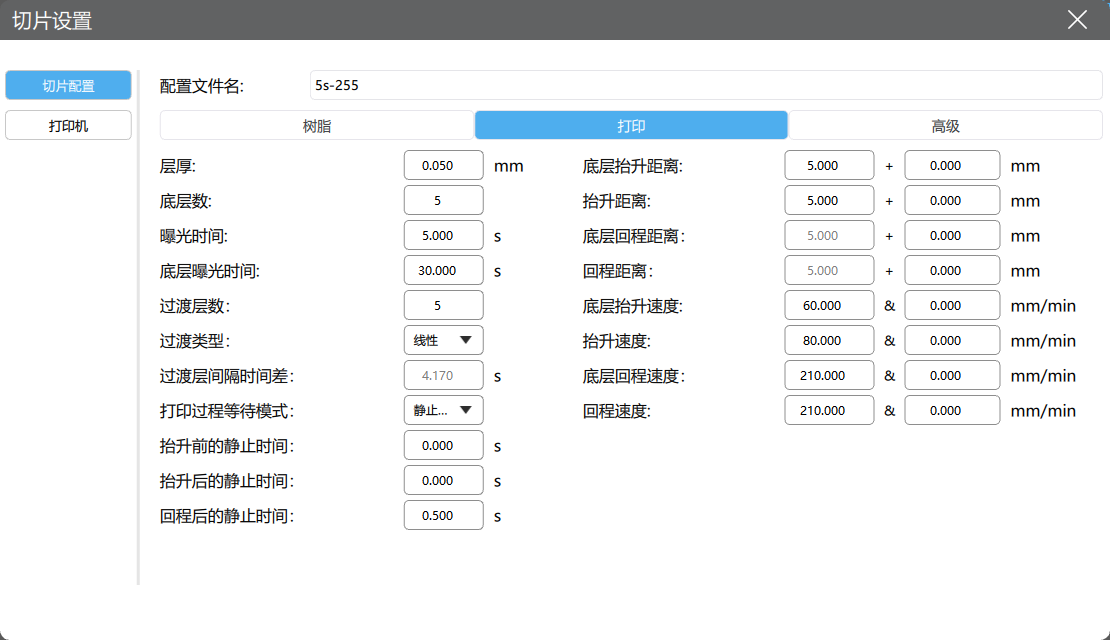
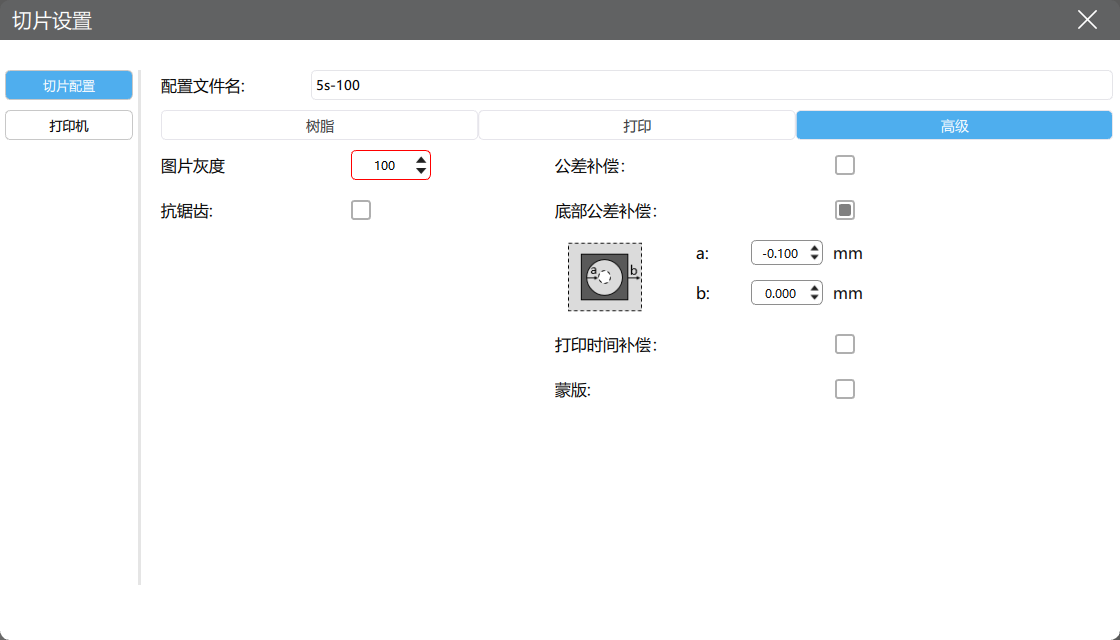
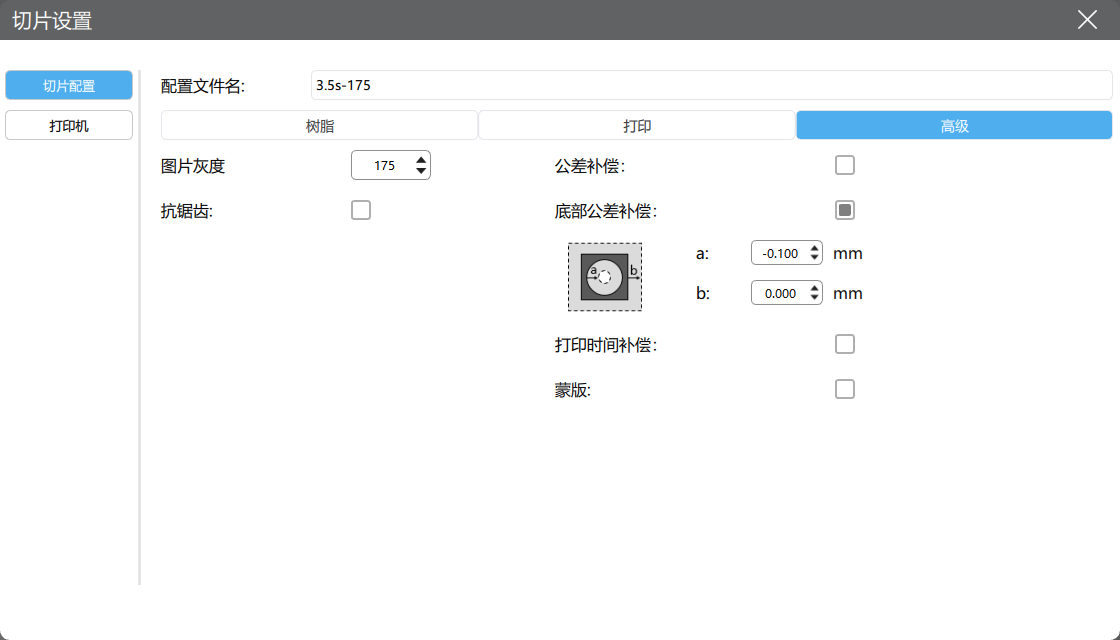
Different exposure effects are achieved by adjusting the exposure time parameter and the image grey scale.

Items

Screenshot or Record
Under exposureNormal exposureOverexposure

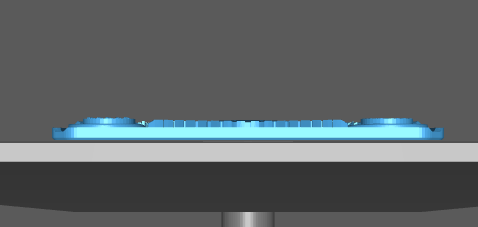
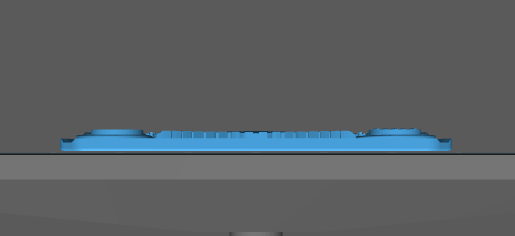
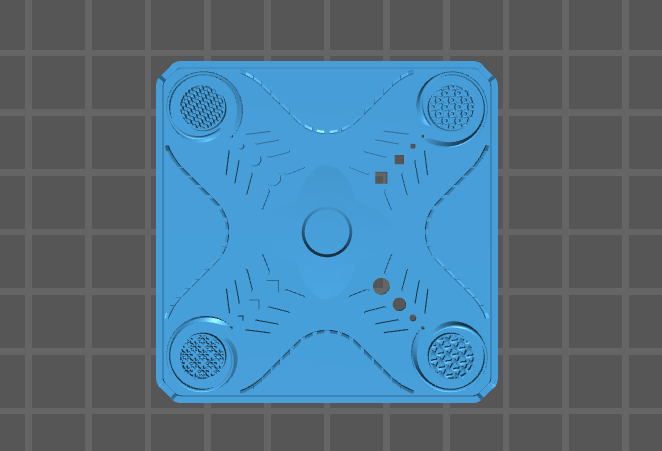
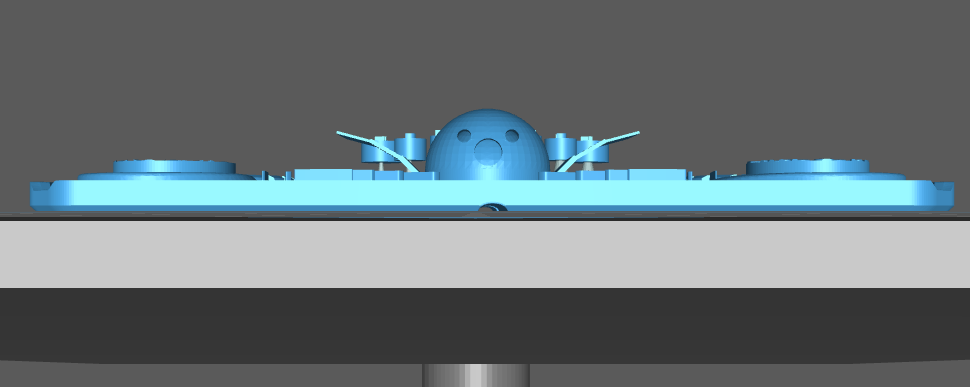
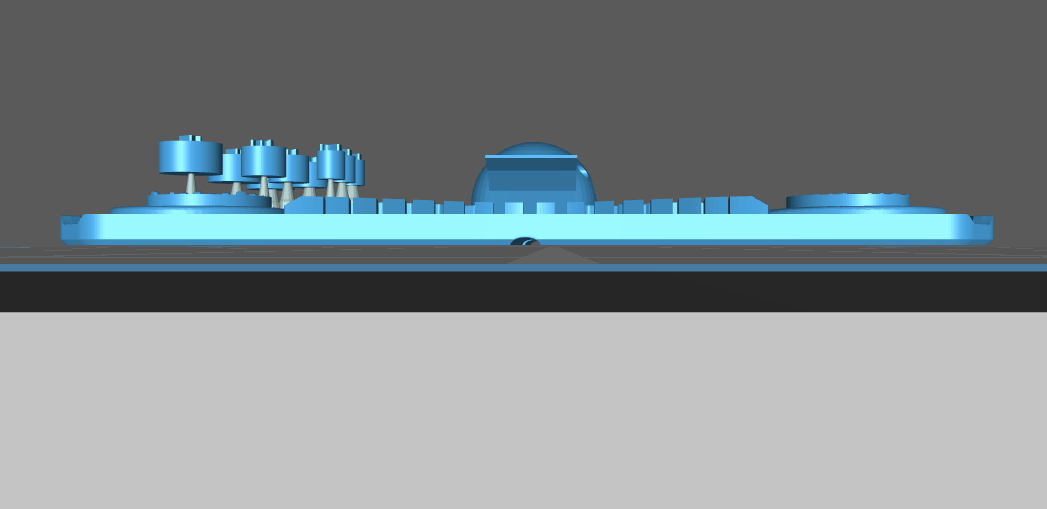
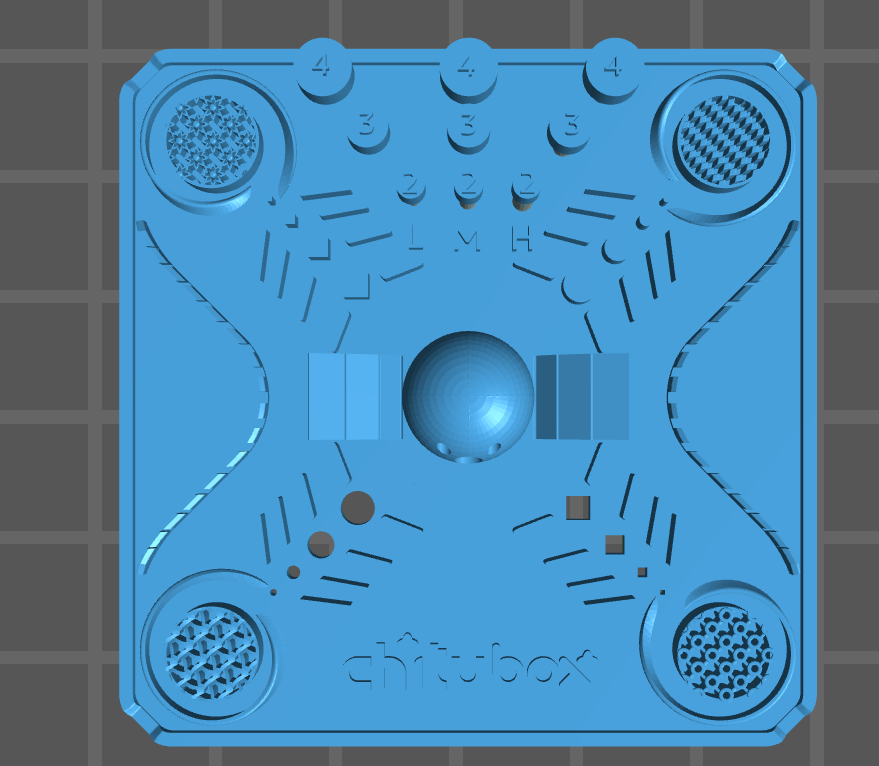
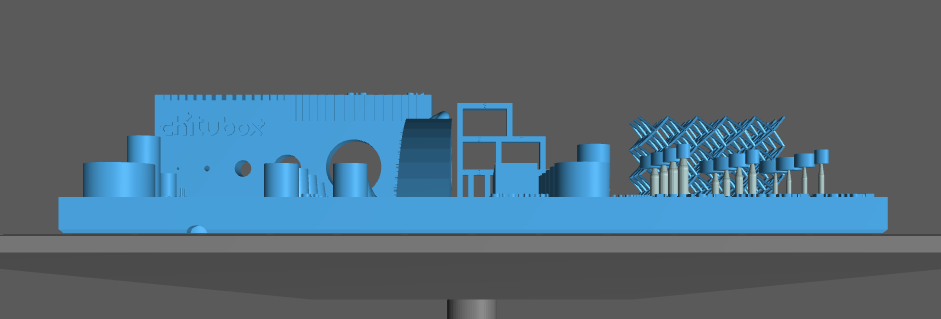
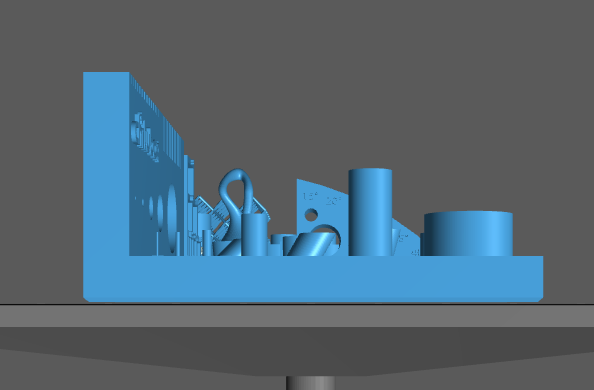
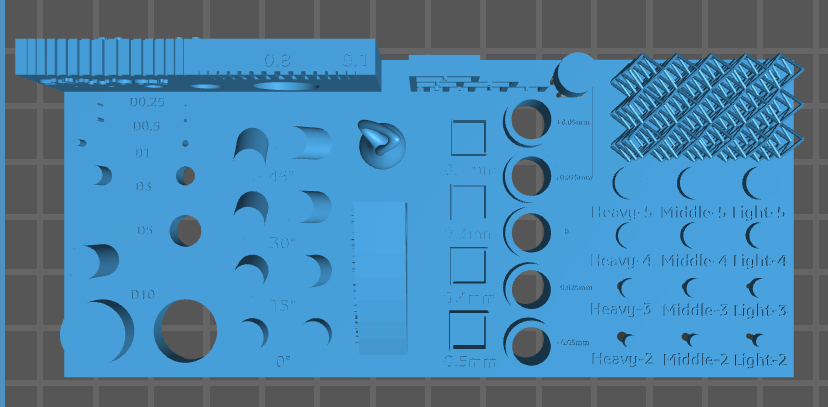
Model Layout Screenshot in CHITUBOX Software Interface

Main view

Left view

Top view

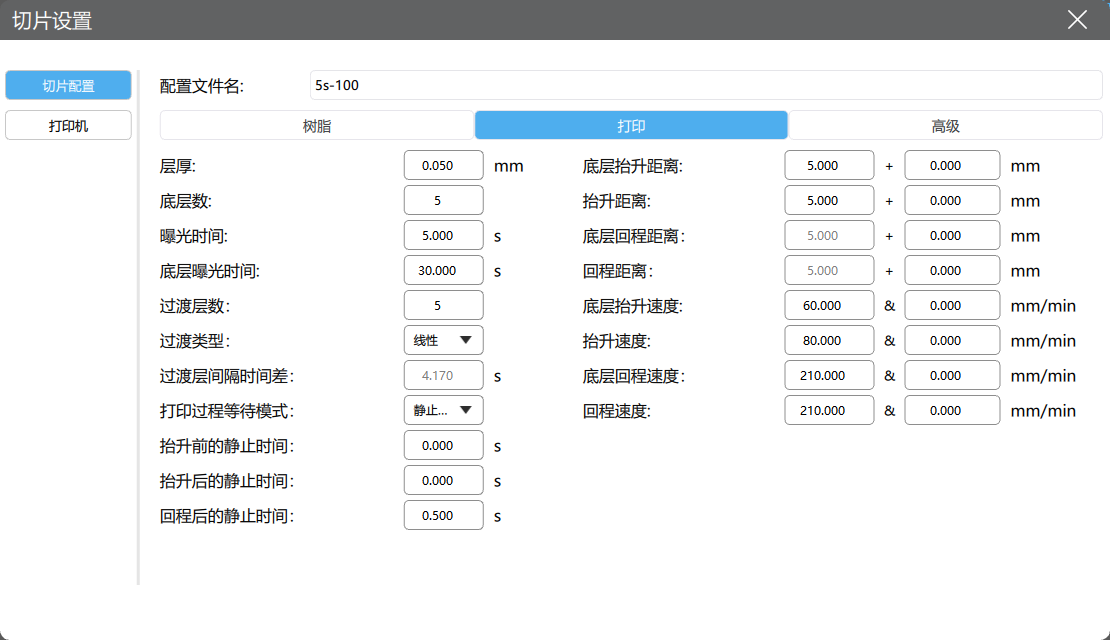
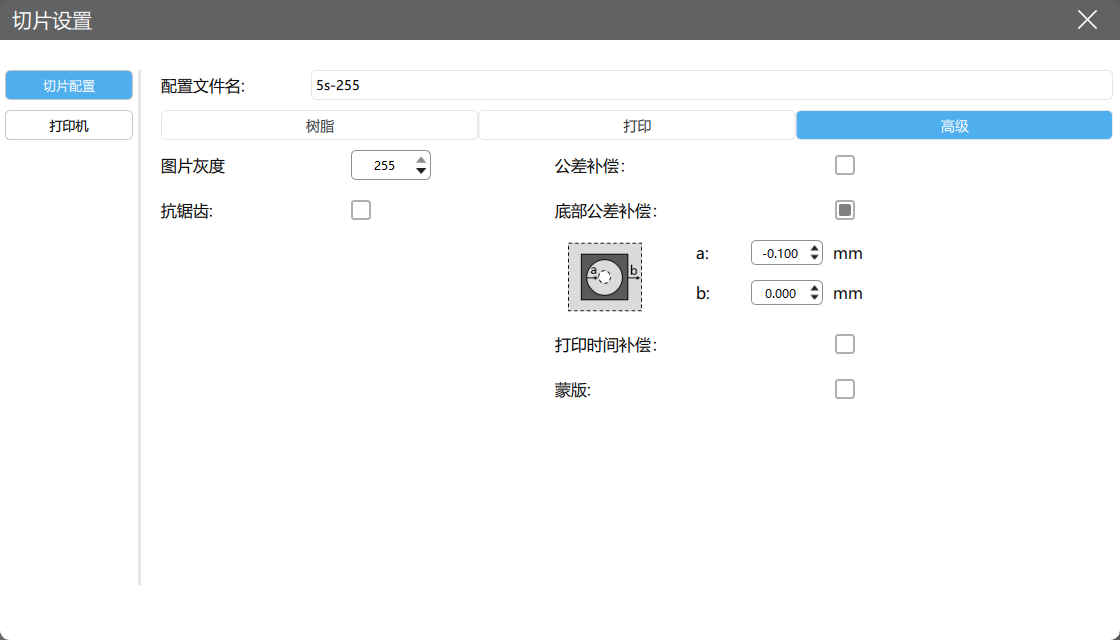
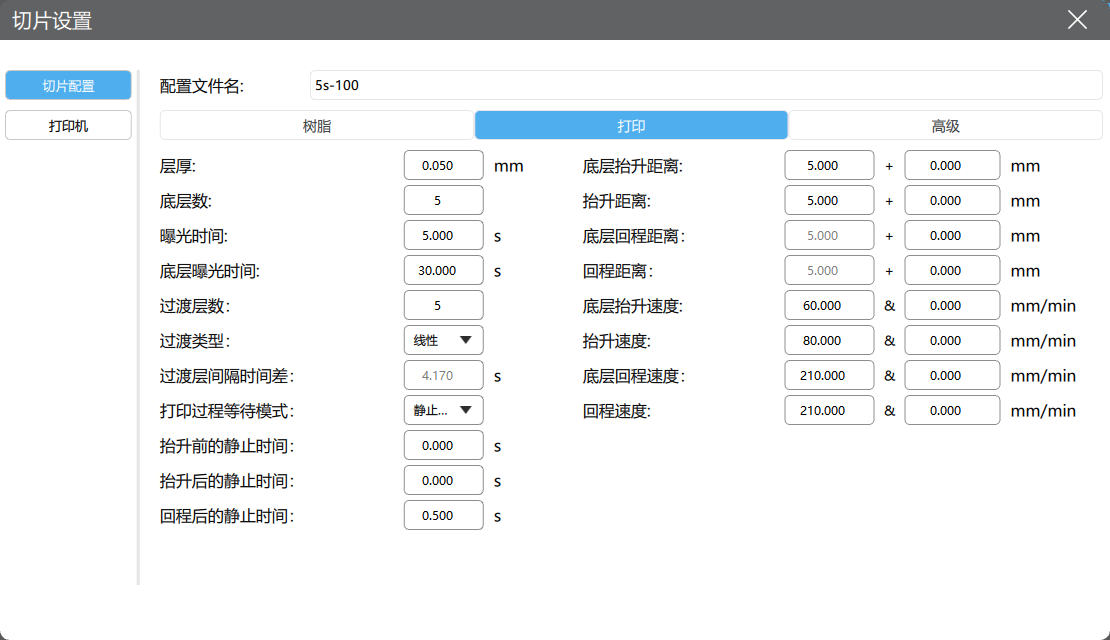
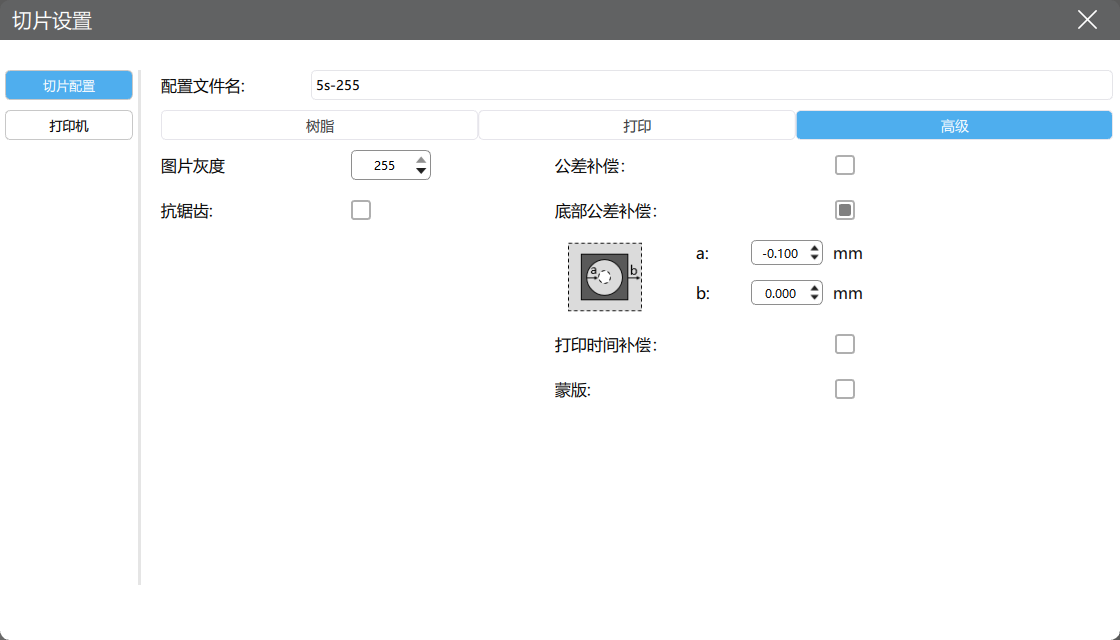
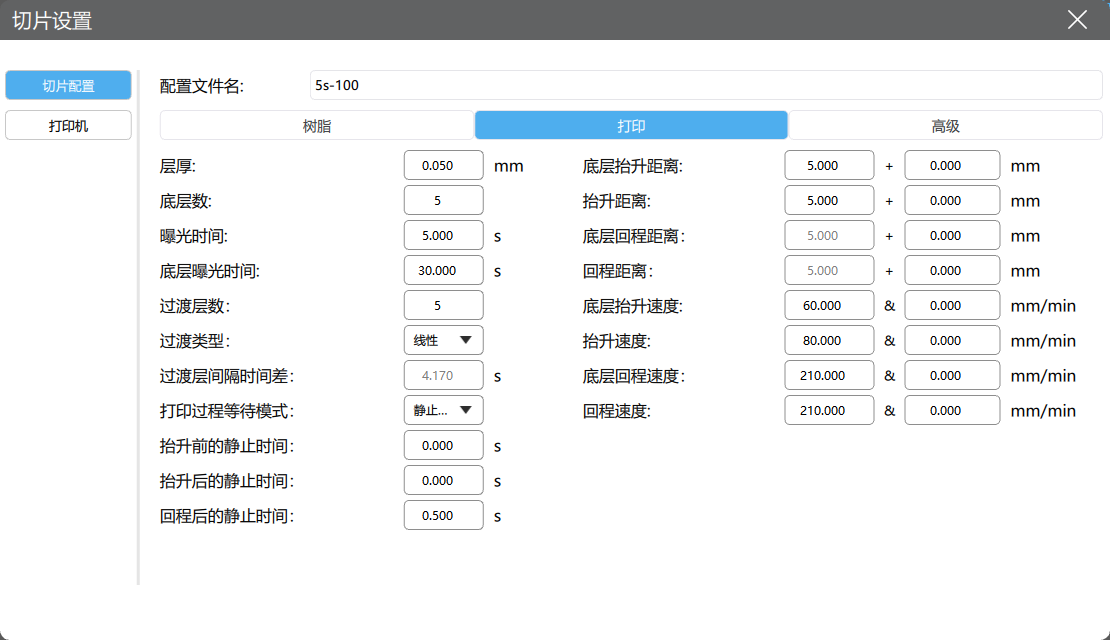
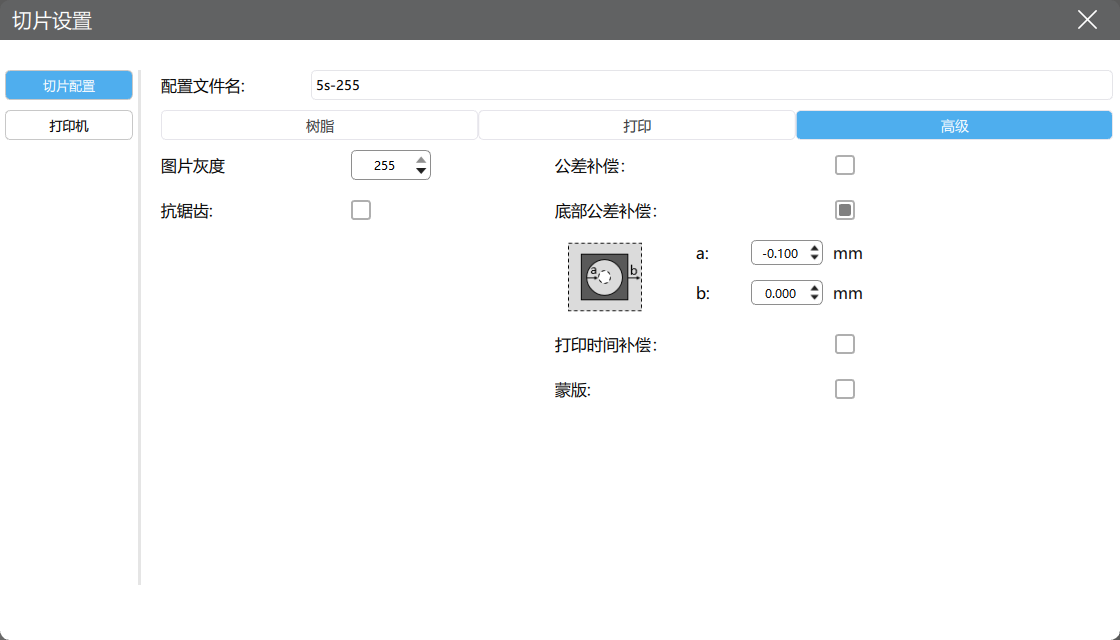
Screenshot of CHITUBOX software printing parameter interface

Printer

Default

Resin

Default

Print

Advanced

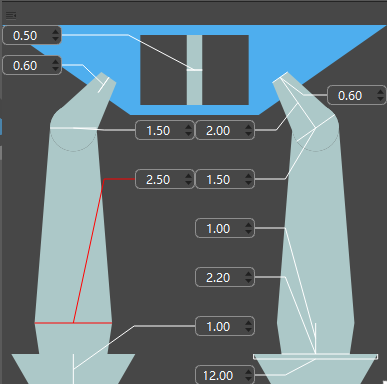
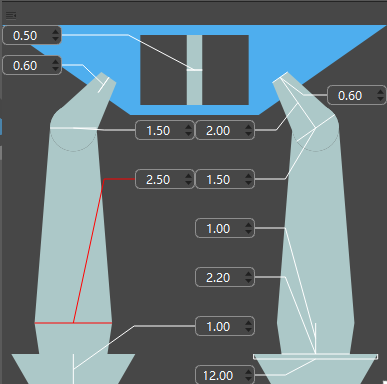
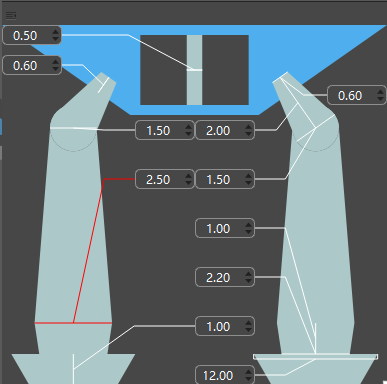
Screenshot of the support parameter interface (Note: If the support parameters of the corresponding print model are manually adjusted, record the current direction item)

Support parameter 1

Support parameter 2

Support parameter 3

Print estimated time

26m30s23m56s26m30s

Items

Screenshot or Record
Under exposureNormal exposureOverexposure

Model Layout Screenshot in CHITUBOX Software Interface

Main view

Left view

Top view

Screenshot of CHITUBOX Pro Printing Parameters Interface

Printer

Default

Resin

Default

Print

Advanced

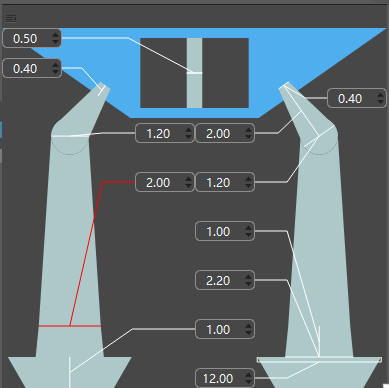
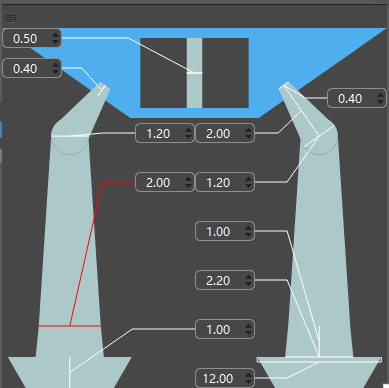
Screenshot of the Support Parameters Interface (Note: If the support parameters of the corresponding print model are manually adjusted, record here)

Support parameter 1

Support parameter 2

Support parameter 3

Estimated Print Time

30m46s27m42s30m46s

Items

Screenshot or Record
Under exposureNormal exposureOverexposure

Model Layout Screenshot in CHITUBOX Software Interface

Main view

Left view

Top view

Screenshot of CHITUBOX Pro Printing Parameters Interface

Printer

Default

Resin

Default

Print

Advanced

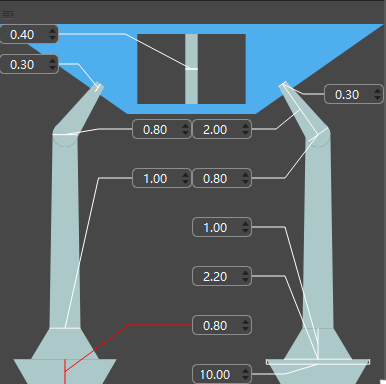
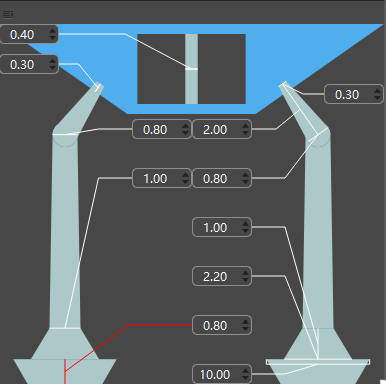
Screenshot of the Support Parameters Interface (Note: If the support parameters of the corresponding print model are manually adjusted, record here)

Support parameters 1

Support parameters 2

Support parameters 3

Estimated Print Time

1h33m57s1h23m24s1h33m57s

Printing And Post-Printing Processing Record Sheet

ItemDescriptionSeparation
Model and platform separation

Whether the bottom area of the model is intact and bonded to the printing platform

The bottom area of the model is fully bonded to the printing platform

Difficulty of separating the model from the print platform (Difficult/Normal/Easy)

Separates easily using a separating blade
Model cleaningCleaning equipment brand/specificationUltrasonic cleaning machine/GB0203
Cleaning equipment settings (if applicable)No settings
Cleaning duration2min
Model post-curingPost-curing equipment brand/specificationAnyCubic Photon
Post-curing equipment settingsNo settings
Post curing modeNatural air curing
Post-curing duration2min
Model storageWhether the model surface is post-processedNo surface finishing
Description of model surface post-processing method
Model storage temperature16℃ to 20℃
Model Storage Ambient LightStore in a sealed bag in a dark environment