Slice Preview
Slice
Slice is the final step before your sliced file is generated.
Click Slice the button to enter the slice preview.

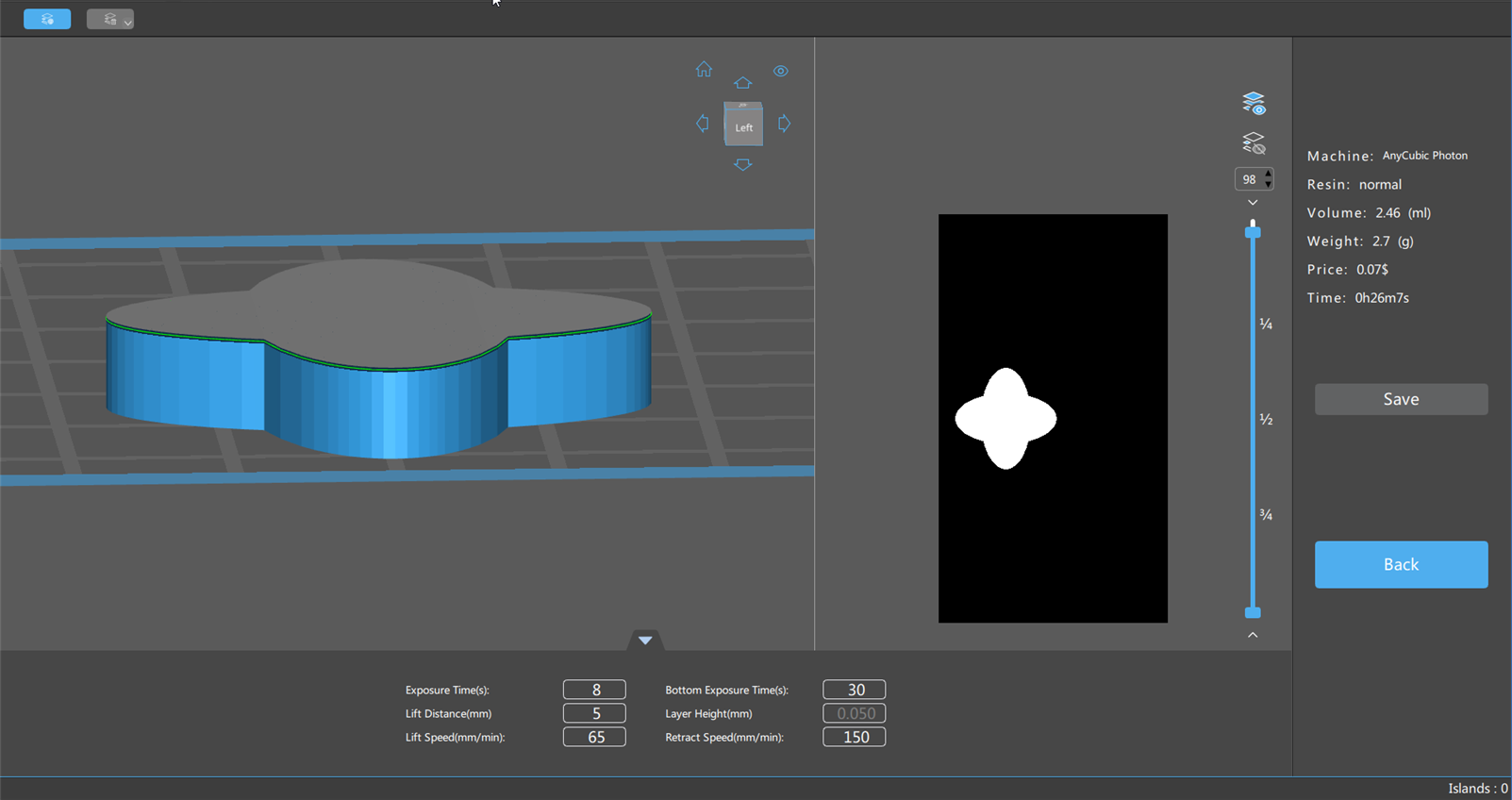
Sliced your models with the selected default profile in the Slicing Profile Panel. Applied to all your models inside the printable space on the platform.
Resin Volume is calculated by summing up voxels (area of pixel layer height), the algorithm is pretty simple. However, this is a theoretical value, it could be affected by many other factors (resin residue on the build plate and model surface, volatility, density change during curing, etc.) in the real world.
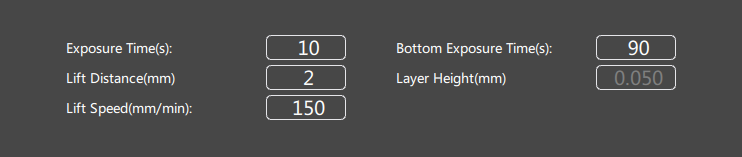
Parameter Manager
Edit and adjust the current print slice related parameters that need to be saved.
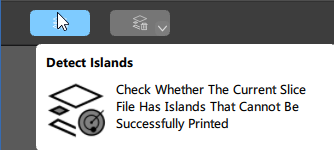
Detect Islands
Check whether the current slice file has a floating layer that cannot be successfully printed.
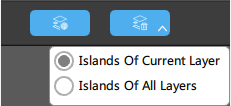
Delete Island
Delete the island layer in the file, you can choose to delete the current layer or all layers.
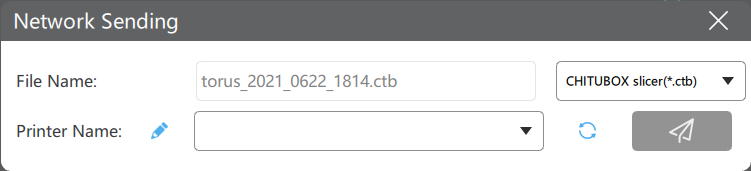
Network Sending
- If your printer does not support internal storage, you need to have a USB drive plugged in to store received sliced files from your computer.
- Your printer and computer must under the same LAN. 1. The transmission speed is limited by printer's network module, for most printers, it's around 8M/s, therefore for large size files, Network Sending is not recommended.
- Not all printers support Network Sending. Read the 📃full compatibility list here.
Printers support network sending will have this Network Sending button, which can send your sliced data to your printer directly.

Save
Save the slice file.
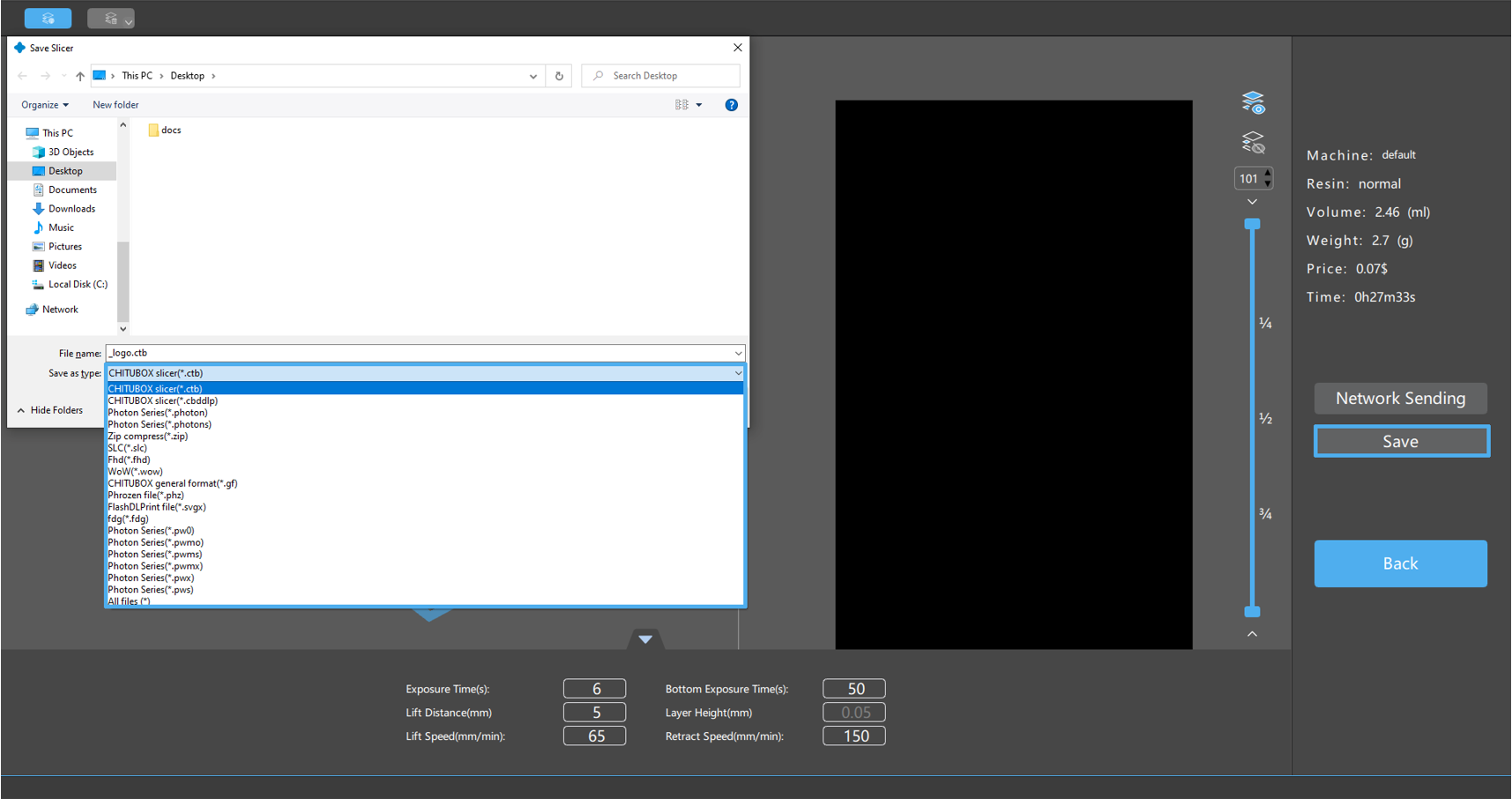
After slicing your model, click "Save", you can select a supported format for your printer from the dropdown menu, and then print.
Back
Return to the previous interface.